> ## Documentation Index
> Fetch the complete documentation index at: https://help.gmax.ai/llms.txt
> Use this file to discover all available pages before exploring further.
# Modify the subtitle content
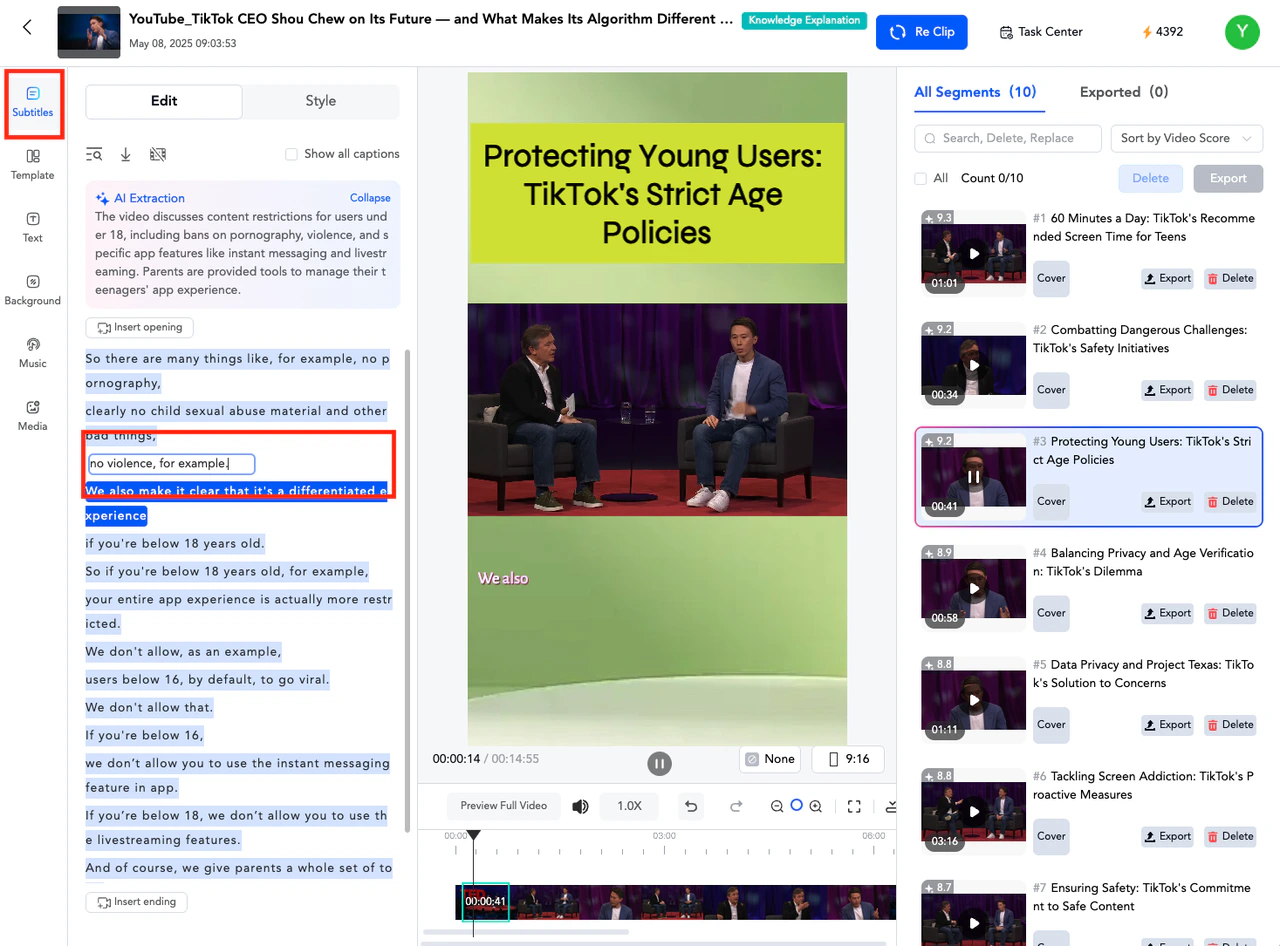
In the \[Subtitle - Slice Editing] editing panel on the left, double-click on the text you want to modify. You can directly make the modification while in the text editing box. The maximum number of characters that can be entered in a single editing box is 30.
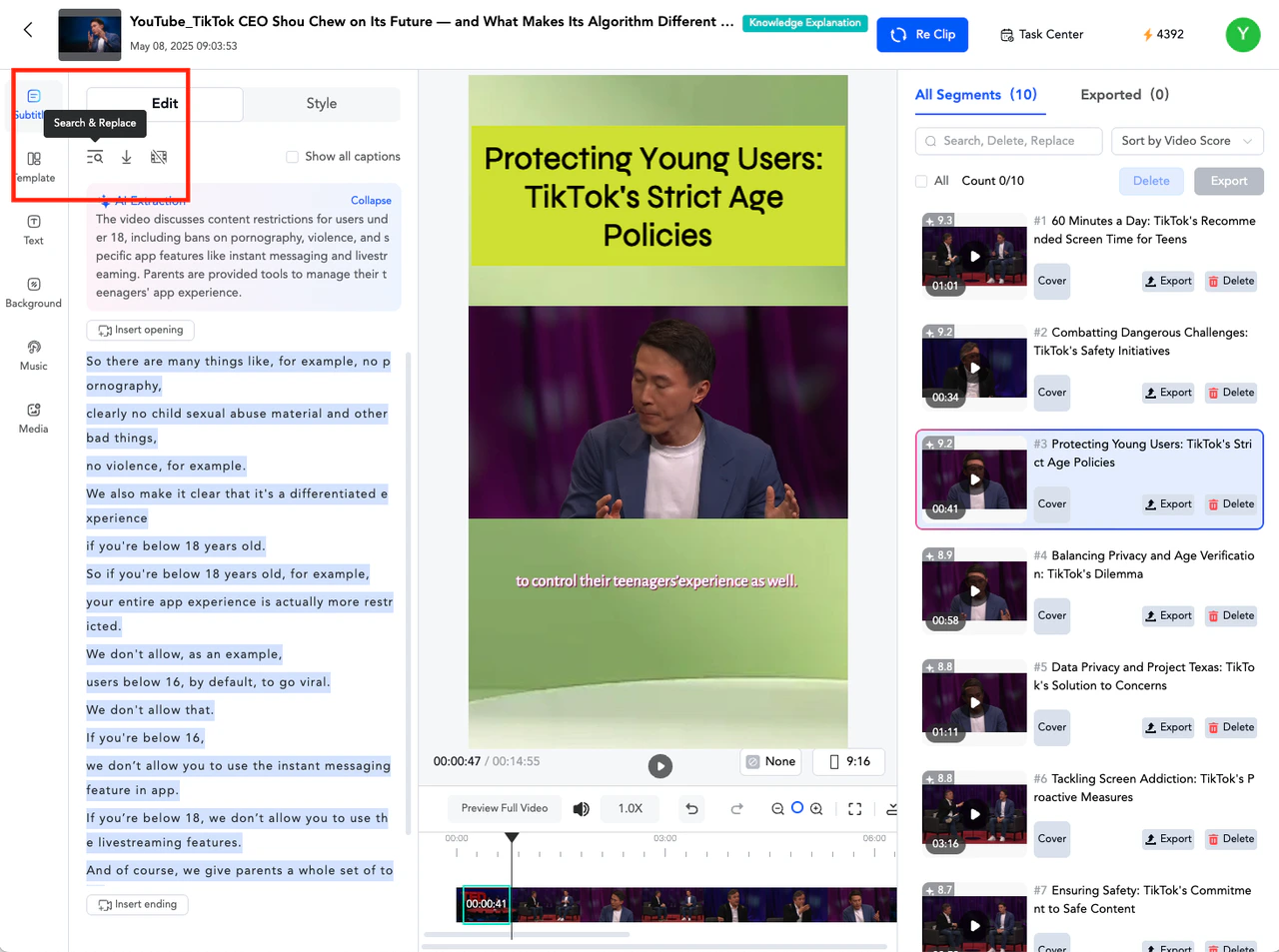
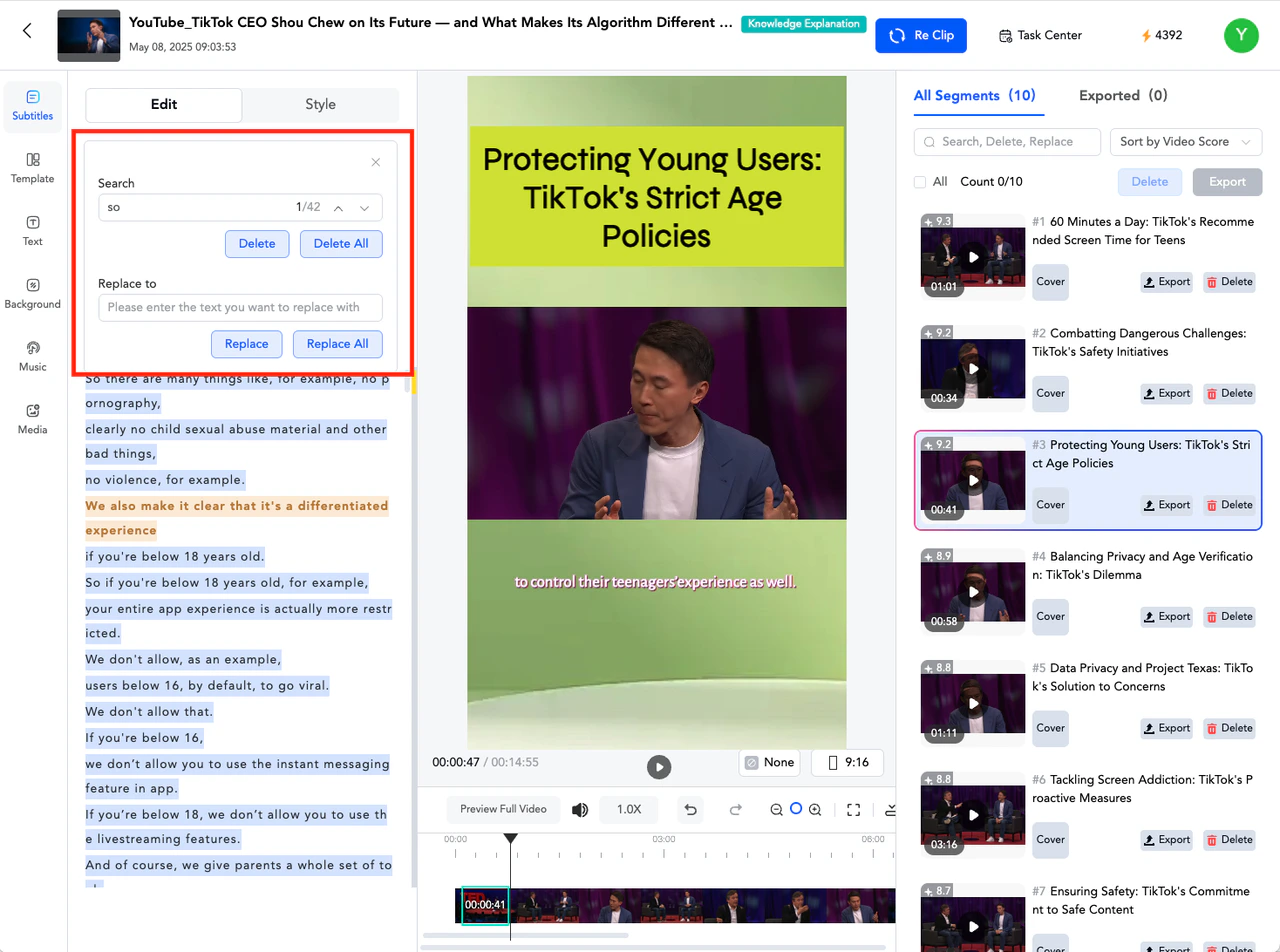
 In the \[Subtitles] editing panel on the left, click the search function, enter the text you want to find, input the text you wish to replace it with, and then click "Replace All".