> ## Documentation Index
> Fetch the complete documentation index at: https://help.gmax.ai/llms.txt
> Use this file to discover all available pages before exploring further.
# Upload
> Upload your material
We support two methods:
1. First, find and copy the video sharing link on the media platform (take the sharing link of a YouTube video as an example as shown in the illustration) - Paste the video sharing link into the video slicing box - Wait for the system to parse the link.
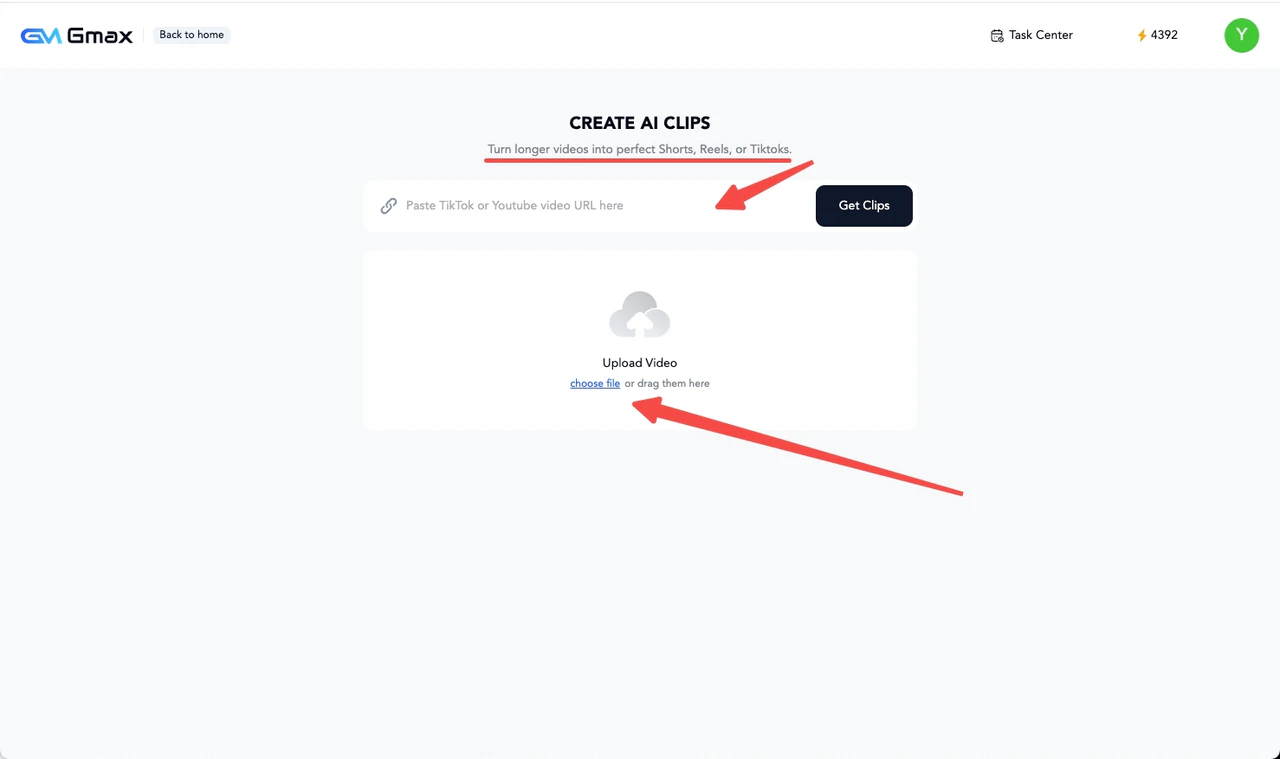
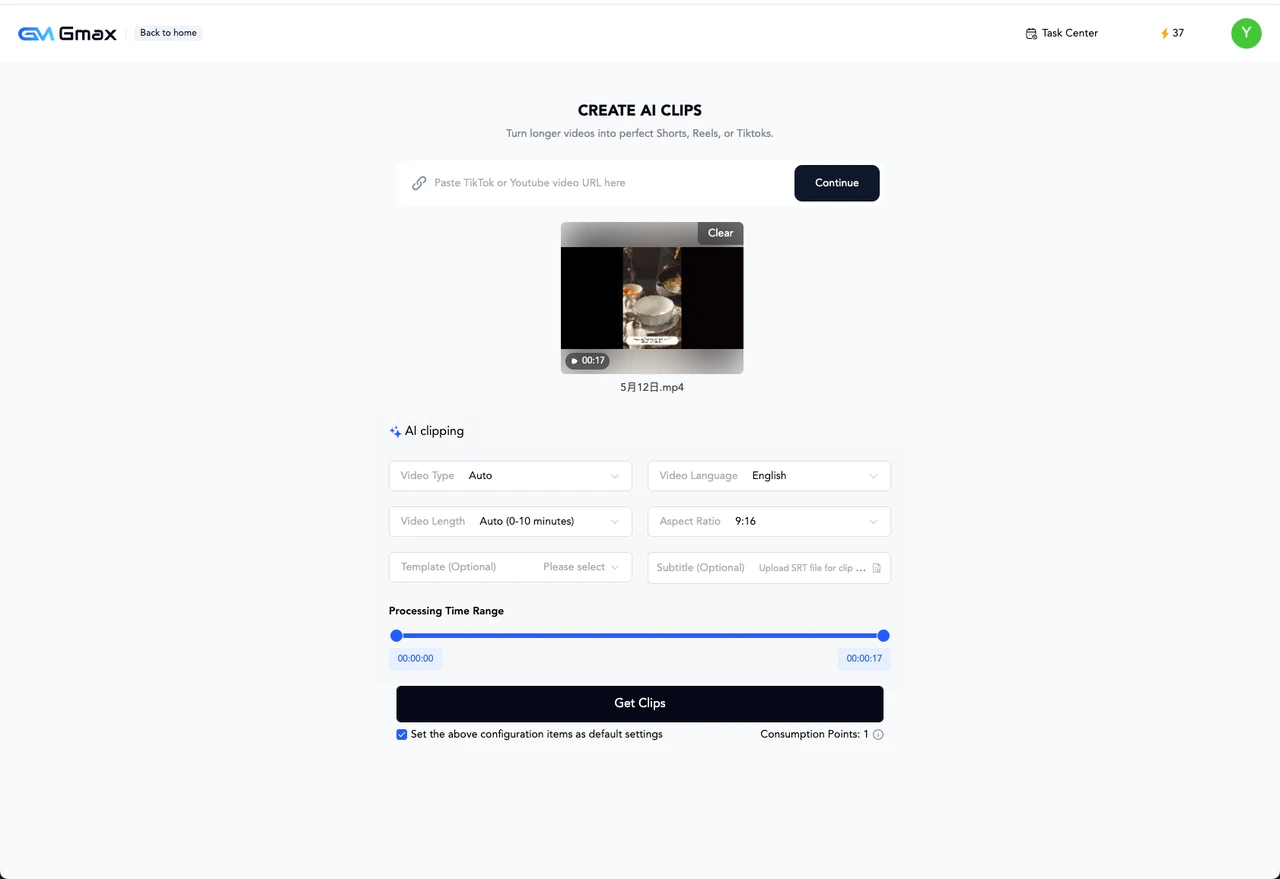 2. Click "Upload Video" > select your local video > click "Get Clips" to upload.