

Account
Why can't I sign up?
If you encounter challenges during the registration process, especially when trying to register with Google, this is often related to browser extensions interfering with the Google login pop-up window.
How to resolve:
Browser Extensions: Try disabling browser extensions, as some may block the Google login pop-up required for registration.
Alternative Registration Method: If the issue persists, please consider using your email address for standard registration. This avoids the Google login window pop-up and may provide a smoother registration experience.
How can I change my password?
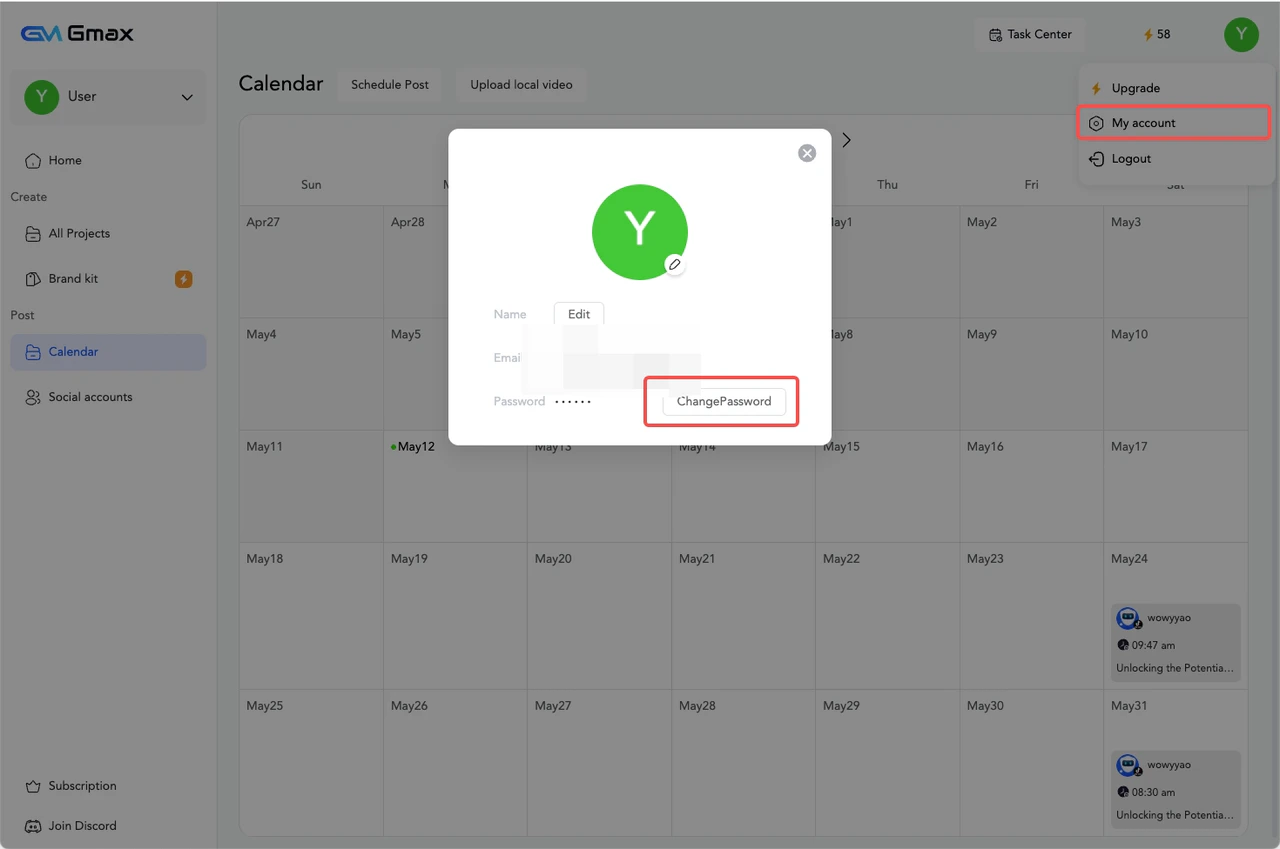
Access the password change option under Profile Settings. This allows you to update your password at any time.
If you forget your password, simply click the “Forgot Password” option on the login page to initiate the reset process. Click Login — Forgot Password