

Projects
Export
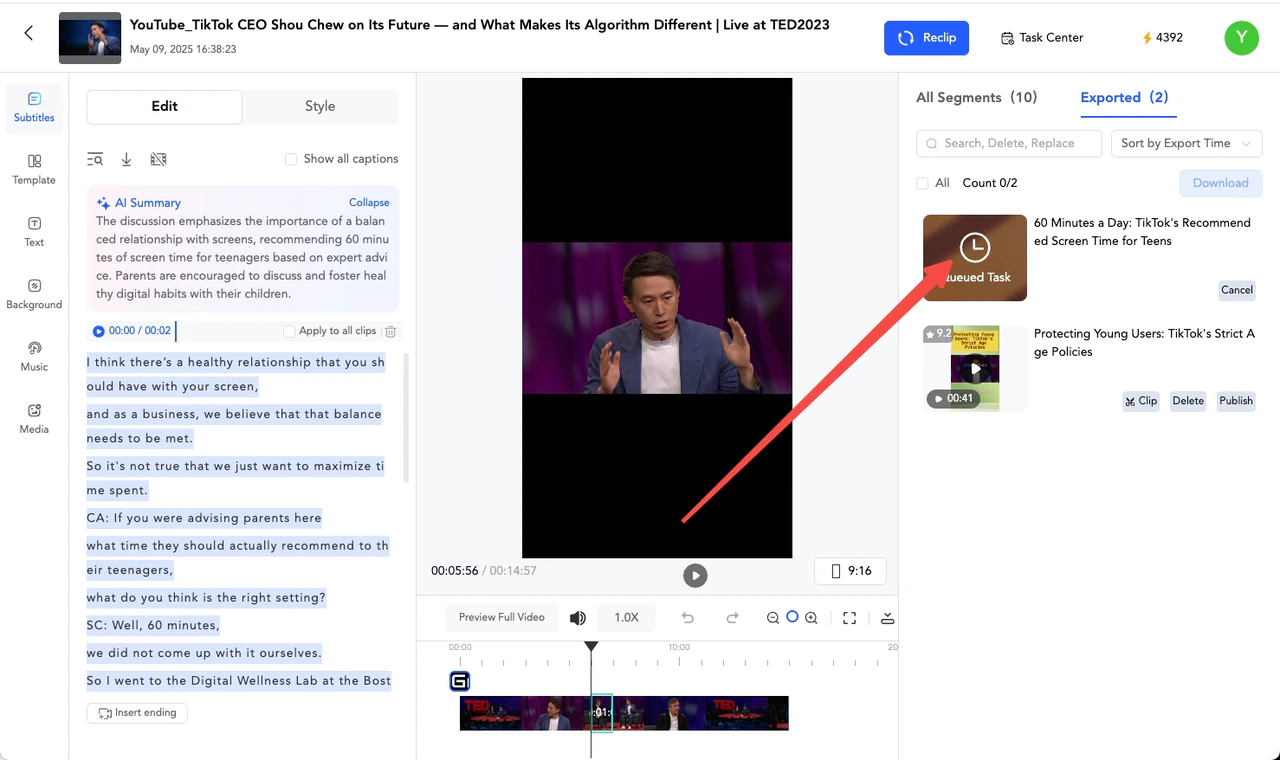
Export your project
After previewing the slices and confirming that there are no issues, first tick the slices you want to export in the “All Clips” list on the right side, and then click the “Export” button.
Tips: If you want to export a single slice, you can directly click the “Export” button. After waiting for a short while, the video will be successfully exported.