

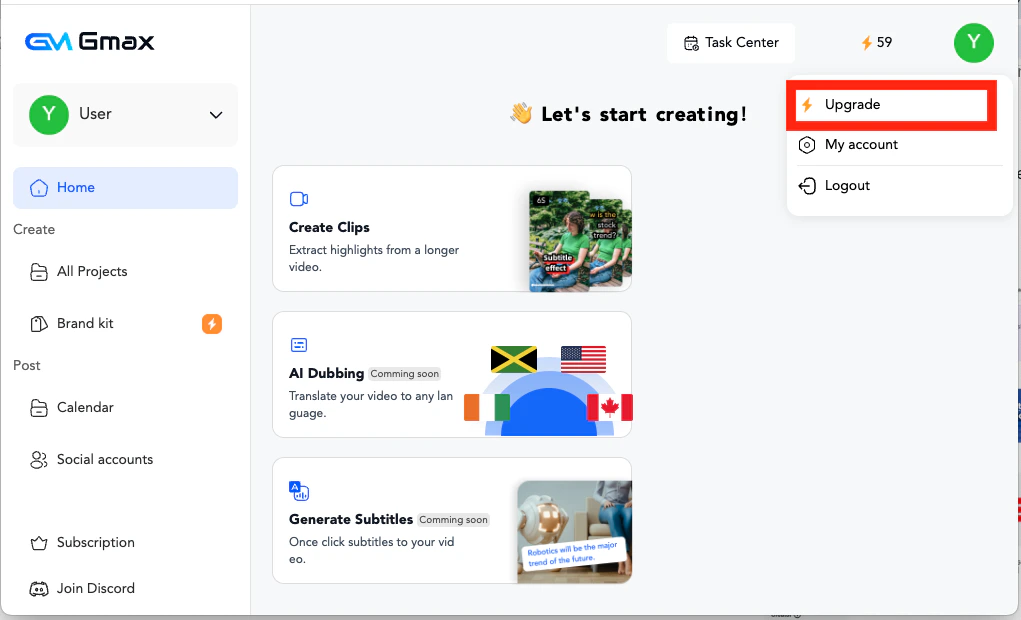
- Click on “upgrade” in the profile or the workspace page at the bottom left corner
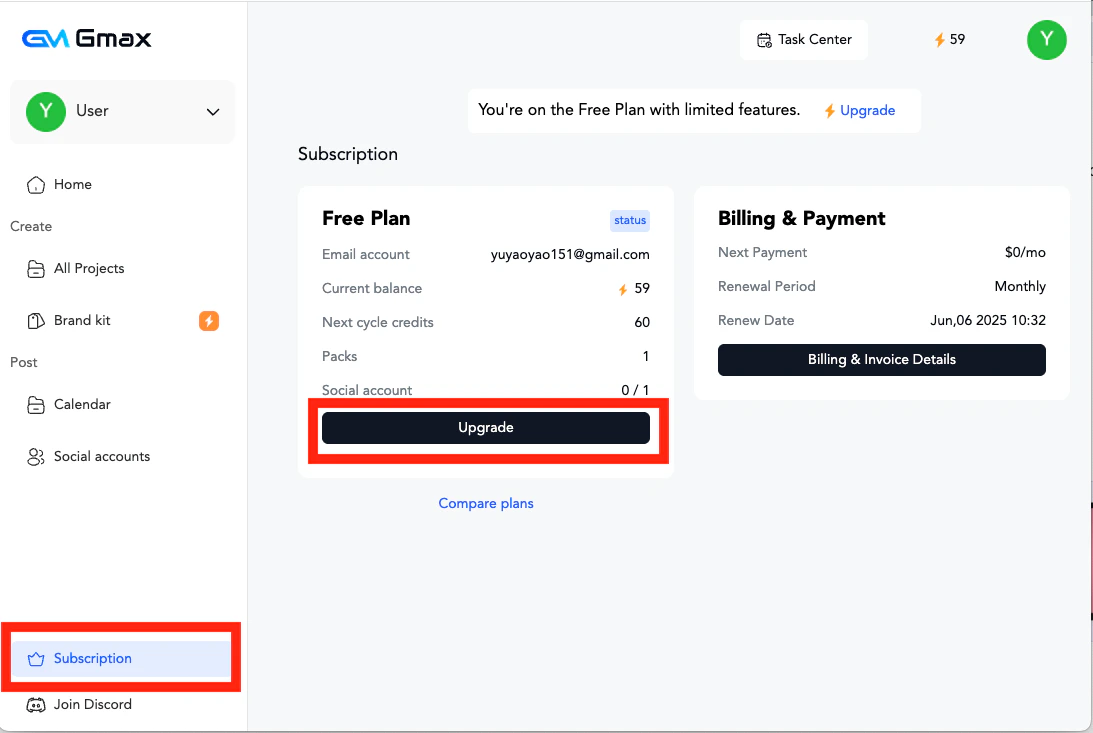
- Click “Upgrade” on the subscription page.
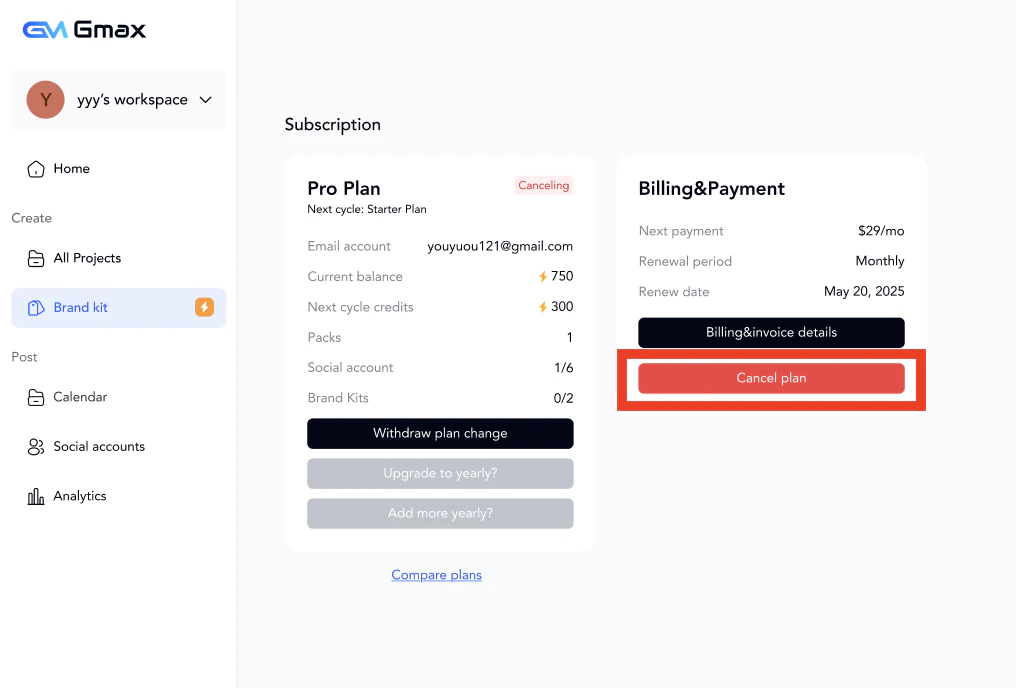
- To cancel the subscription, also click “Cancel plan” on the subscription page.
Subscriptions
How can I change or cancel my subscription?
Step by step guide to change or cancel your subscription